Installation Manual
AT-AT Installation Manual
Section titled “AT-AT Installation Manual”This document guides you through the complete local installation and execution of the API Threat Assessment Tool (AT-AT).
Prerequisites
Section titled “Prerequisites”- Node.js ≥ 16
- Python ≥ 3.10
- npm ≥ 8
- Git 2.44+
- Recommended: PowerShell (Windows) or bash (Linux/macOS)
1. Clone the Repository
Section titled “1. Clone the Repository”git clone https://github.com/YourOrg/API-Threat-Assessment-Tool.gitcd API-Threat-Assessment-Tool2. Create .env Files
Section titled “2. Create .env Files”Each of the three components — frontend, api, and backend — require .env files. Below are their templates:
frontend/.env
Section titled “frontend/.env”SUPABASE_URL=https://your-project.supabase.coSUPABASE_KEY=your-supabase-service-keyJWT_SECRET=your-secretFRONTEND_URL=http://localhost:3000PORT=3000HOST=0.0.0.0DANGEROUSLY_DISABLE_HOST_CHECK=trueDOCKER=TRUEapi/.env
Section titled “api/.env”SUPABASE_URL=https://our-link.supabase.coSUPABASE_KEY=your-supabase-service-keyJWT_SECRET=your-secretFRONTEND_URL=http://localhost:3000PORT=3001GMAIL_USER=at.at.noreply@gmail.comGMAIL_CLIENT_ID=client_idGMAIL_CLIENT_SECRET=client_secretGMAIL_REFRESH_TOKEN=refresh_tokenDOCKER=TRUEbackend/.env
Section titled “backend/.env”PORT=9011FRONTEND_URL=http://localhost:3000SUPABASE_URL=https://our-link.supabase.coSUPABASE_KEY=your-supabase-service-keyJWT_SECRET=your-secretFRONTEND_URL=http://localhost:3000DOCKER=TRUE3. Repository Layout
Section titled “3. Repository Layout”/api/ Node/Express public API (OpenAPI served here)/backend/ Python service(s) for scanning/analysis/docs/ SRS, Service Contracts, OpenAPI (openapi.yaml), manuals.github/workflows/ CI pipelines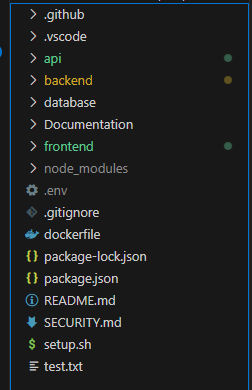
Setup and Running
Section titled “Setup and Running”To run everything at once use
cd frontendnpm startThis will start the necessary requirements, however you can laucnh each individually.
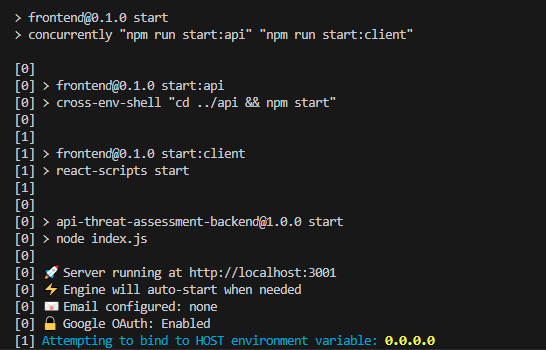
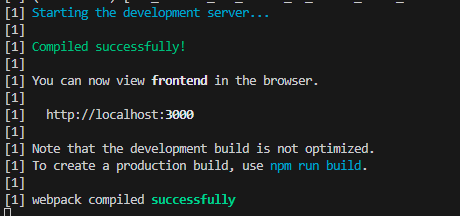
Section titled “This will start the necessary requirements, however you can laucnh each individually.
”4. Setup and Run Backend (Python)
Section titled “4. Setup and Run Backend (Python)”cd backendpython -m venv venv.\venv\Scripts\Activate # Windows# or: source venv/bin/activate # macOS/Linux
pip install -r requirements.txtpython main.py5. Setup and Run API (Node.js)
Section titled “5. Setup and Run API (Node.js)”cd apinpm installnode index.js6. Setup and Run Frontend (React)
Section titled “6. Setup and Run Frontend (React)”cd frontendnpm installnpm run start:clientIf the start:client script fails with a host error, ensure your .env includes:
HOST=0.0.0.0DANGEROUSLY_DISABLE_HOST_CHECK=true7. Test in Browser
Section titled “7. Test in Browser”Open:
http://localhost:3000You should see the AT-AT UI.
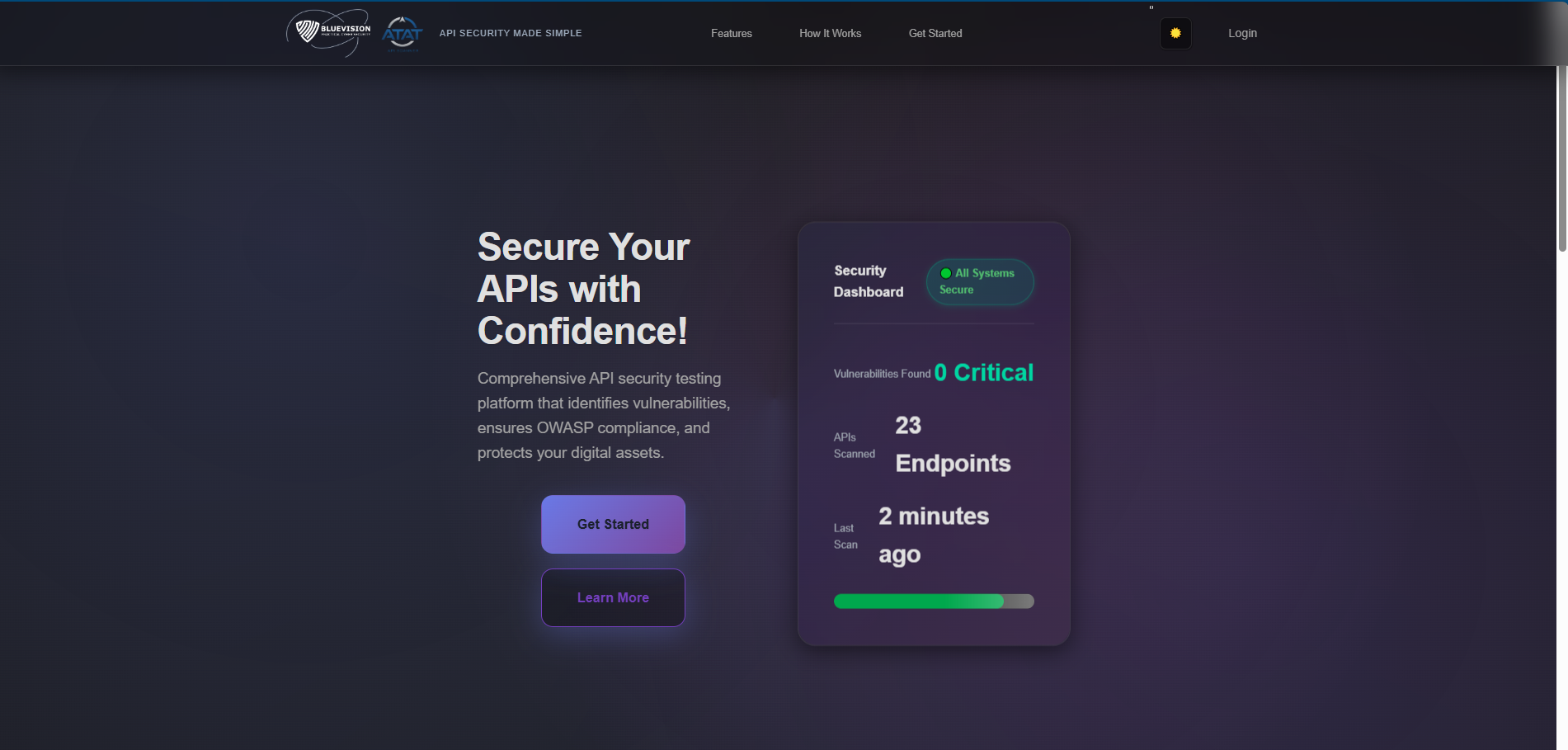
- Log in
- Upload a spec to test backend connectivity
- Verify
localhost:3001andlocalhost:9011are active
8. Docker
Section titled “8. Docker”docker build -f dockerfile -t atat .docker run --rm -p 3000:3000 -p 3001:3001 -p 9011:9011 atatCommon Troubleshooting
Section titled “Common Troubleshooting”| Issue | Fix |
|---|---|
allowedHosts error | Add HOST=0.0.0.0 and DANGEROUSLY_DISABLE_HOST_CHECK=true |
| Supabase not loading | Ensure all .env files have correct SUPABASE_URL and SUPABASE_KEY |
Python crash on dotenv | Run pip install python-dotenv |
Final Notes
Section titled “Final Notes”- GitHub Actions CI/CD is available and runs tests on pull requests.
- This setup is for local development.